
NEXT8 1.4.0: Big Autumn Update
NEXT8 1.4.0 is our biggest update so far. The headline feature is live workout tracking: a run or a ride with GPS and heart rate, and strength sessions where the app walks you through exercise by exercise, rests included. You can now also open NEXT8 in a browser at my.next8performance.cz. Players get live workout tracking, records, levels, breathing exercises and smarter nutrition. Coaches get team chat, shared files and video, clips from video analysis, new match statistics and questionnaires that send themselves. Nex AI holds it all together and now knows far more about what is happening in the team.
The update is free on the App Store and Google Play, and the web version works right away. The news is ordered from the biggest down.
The best of it in short
- Live workout tracking: GPS, map, pace and heart rate, strength sessions exercise by exercise with rests, and Live Activity
- Web version: NEXT8 in a browser anywhere at my.next8performance.cz
- Team chat: team, staff, groups and coach ↔ player in one place
- Levels and a new profile: Bronze to Diamond, profile picture frames and record badges
- What to cook?: snap your fridge and AI suggests a recipe, plus 41 new recipes
- Team feed and breathing exercises: new workout cards and guided breathing for calm and sleep
Live workout tracking
For players · the headline feature of 1.4.0
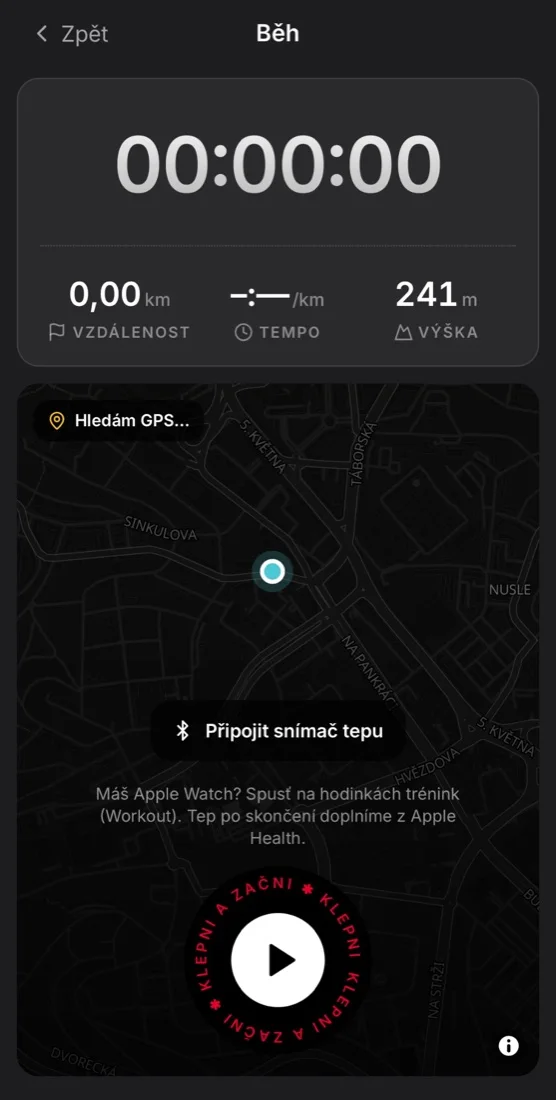
The biggest news in this version. NEXT8 no longer just logs a workout, it does it with you: it tracks a run, a ride or a walk outdoors with GPS and guides you through strength sessions exercise by exercise. You don't need any other app.
Running, cycling and more outdoors with GPS
- Open the Training tab, tap Start and pick a sport (run, ride, walk, floorball and more).
- Wait for the app to find GPS. You'll see “Searching for GPS…” and then the signal accuracy. Then tap Tap to start and tracking begins after a 3-2-1 countdown.
- During the workout you see a large timer and below it distance, current pace, average pace and elevation. The route is drawn on the map as you go.
- Heart rate: tap Connect heart rate sensor and pair a chest strap over Bluetooth. With an Apple Watch, just start a Workout on the watch and heart rate is filled in from Apple Health afterwards. Current heart rate is coloured by zone, so you see right away how hard you are working.
- Pause and lock: pause tracking with one tap. Paused time doesn't count towards the workout and distance isn't added while paused. The lock protects the screen from accidental taps in your pocket, hold to unlock.
- Finish: the red button ends tracking. You rate how hard the workout was (0 to 10) and save it.
Strength sessions from the library: the app tells you what to do
When you start a workout from a training unit in the library, live tracking turns into a personal coach:
- Exercise by exercise: you see which part of the session you're in (warm-up, main part, cool-down), the exercise name, the prescription (e.g. 3×8) and a technique tip.
- Suggested weight: for strength exercises the app suggests a weight based on your maxes.
- Sets and rests: after each set you tap “done” and a rest countdown starts by itself according to the prescription. When the rest ends you get a notification and the app shows what comes next.
- Freedom: you can skip an exercise or shorten a rest when you're ready sooner.
- Always tracking: total workout time and heart rate run the whole time.
- Nothing gets lost: the workout state survives closing the app, and you pick up where you left off.
- Summary: at the end you see what you completed, and the list of exercises is saved with the workout.
On the lock screen and in the Dynamic Island
On iPhone a Live Activity runs. On the lock screen and in the Dynamic Island you see time, kilometres and pace. For strength sessions you see the current exercise, the next one and the rest countdown. You don't have to unlock your phone at all. On Android a persistent notification shows your progress.
After the workout
- A detail view with a route map, a table of splits per kilometre, heart rate by zone and your fastest segments.
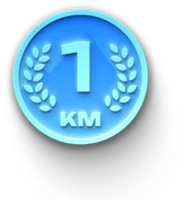
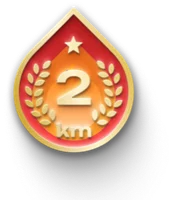
- Personal records and badges: NEXT8 finds your fastest segments over 1, 2, 3, 4, 5, 10 and 30 km and the marathon by itself. Every record earns its own badge and your best time shows in your profile. Records are visible to you and your friends.
- You can share a workout to the team feed (this can be turned off). The route appears there only as a shape, without exact location.
Web version at my.next8performance.cz
For players and coaches
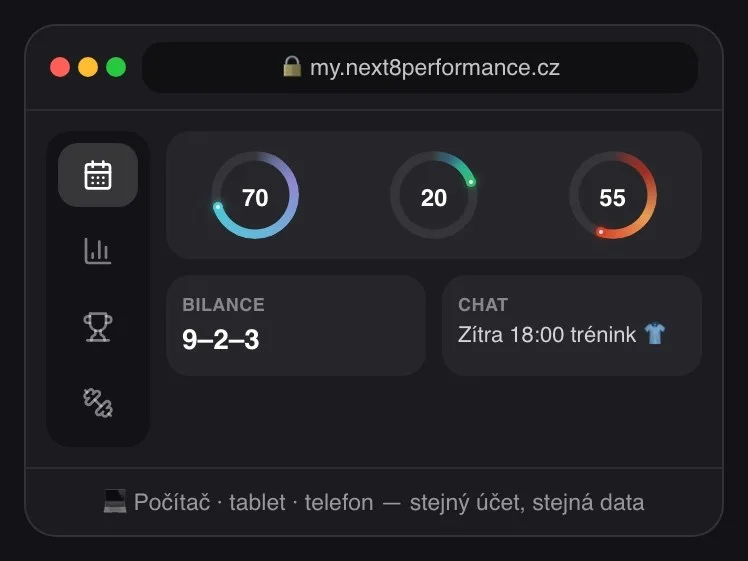
NEXT8 no longer lives only on your phone. At my.next8performance.cz there is a full web version you can open from anywhere: on a computer in the office, on a laptop in the locker room or on a tablet by the bench.
How it works:
- Open my.next8performance.cz in your browser.
- Sign in with the same account as in the app (e-mail, Google or Apple).
- Everything is there straight away: the same data, team, chat, statistics and files. What you do on the web shows up instantly on your phone and the other way round.
Why it helps:
- Coaches prepare a session, go through match statistics or do video analysis and clips on a big screen with a mouse and keyboard.
- Players can fill in a log or meal plan from a computer when their phone isn't at hand.
- Nothing to install, and it works on Windows, Mac, Linux and tablets.
Features that need phone sensors (live tracking with GPS, heart rate from a watch and Apple Health / Health Connect) stay in the mobile app.
Team chat
For the team
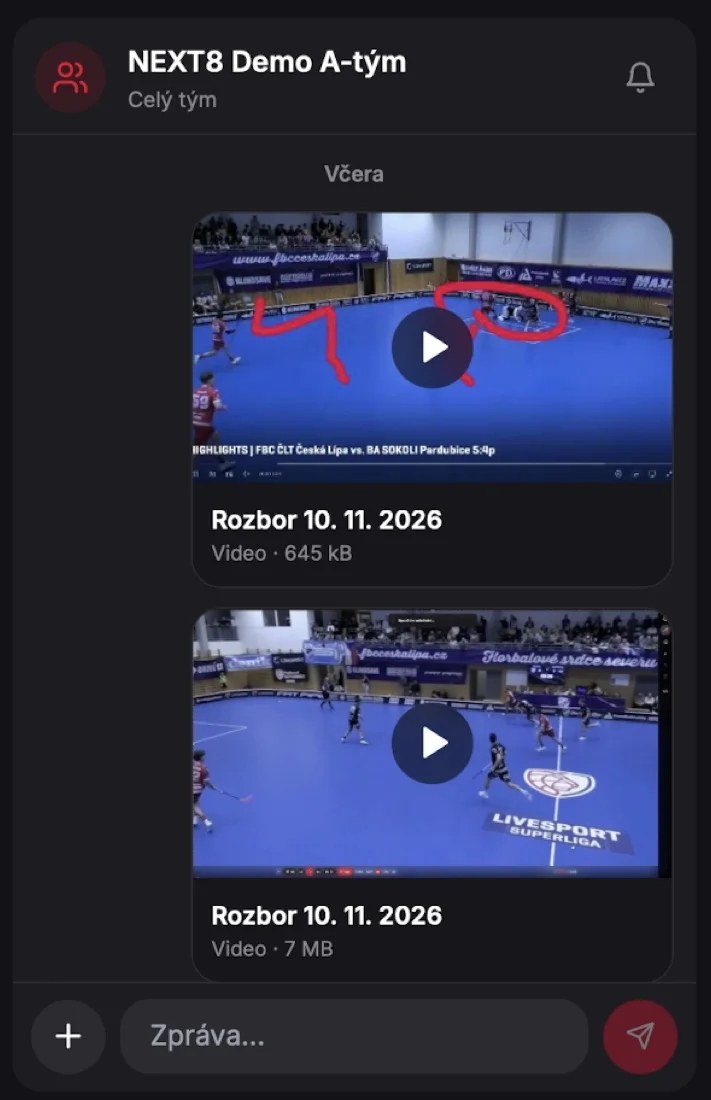
Chat has its own tab in the bottom bar.
- Conversations: the whole team, the staff, custom groups (e.g. defence or one line) and private messages coach ↔ player.
- Message features: replies to a specific message, reactions, muting a conversation and an unread badge.
- Cards in chat: nominations, questionnaires, polls, tactics from the tactics board and videos and clips from analysis arrive in chat as cards you can open right away.
- Notifications: new messages arrive as push notifications.
Levels, frames and a new profile
For players
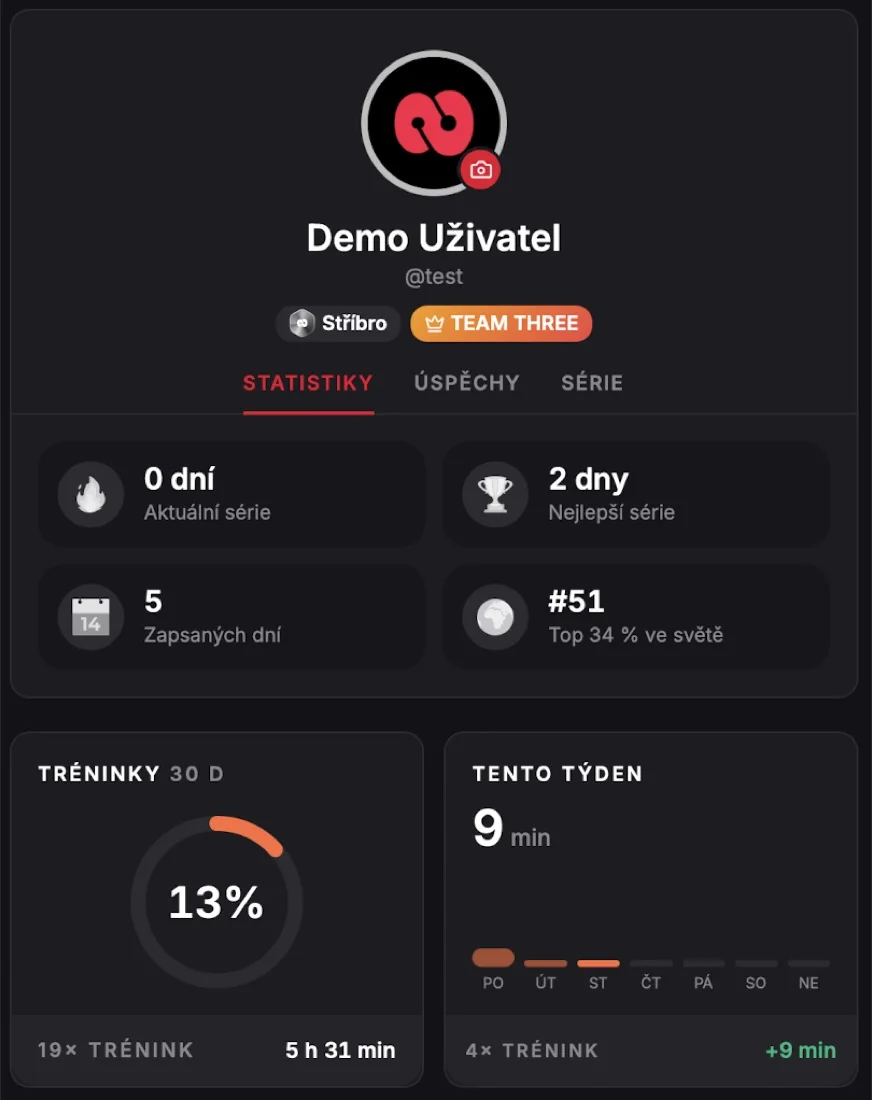
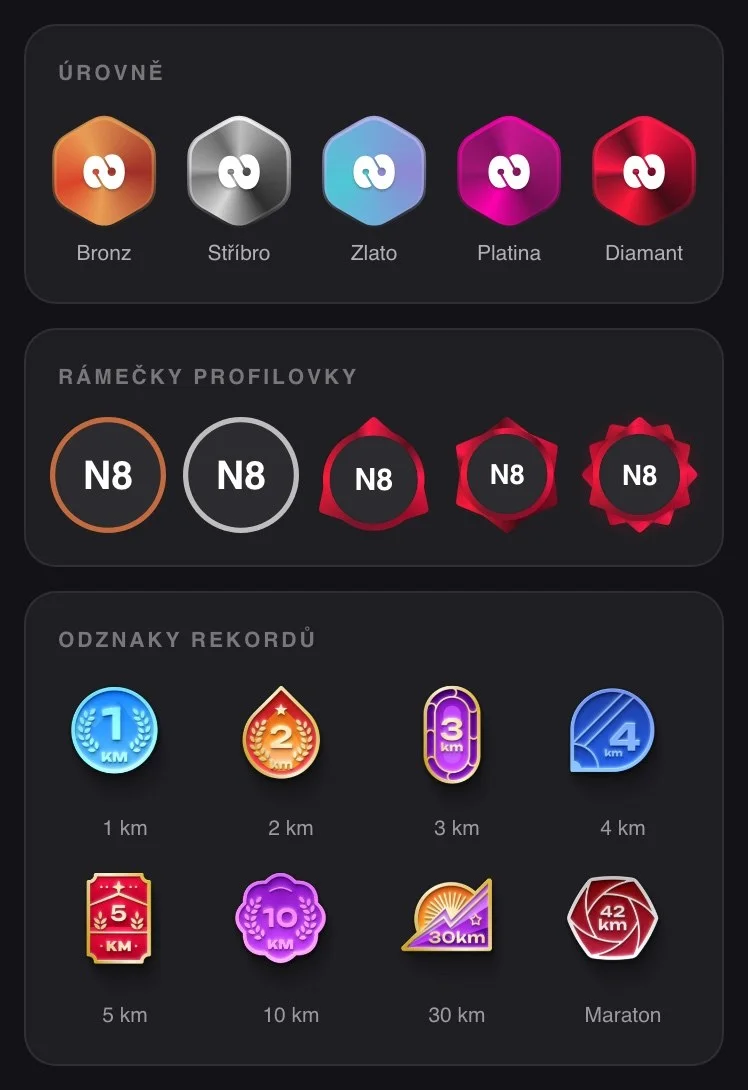
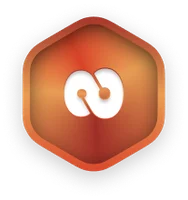
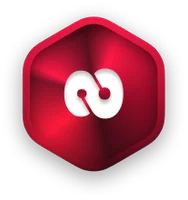
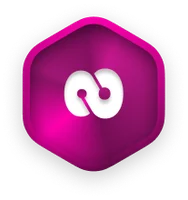
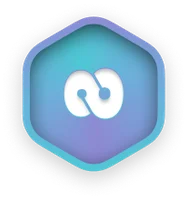
- Levels Bronze → Silver → Gold → Platinum → Diamond. You collect points for daily logs, workouts, streaks and earned badges. The more regularly you use the app, the faster you move up.
- Profile picture frames: from Gold level your profile picture gets its own frame, which teammates see in the feed and in chat too.
- New profile: the profile is rebuilt into three tabs: Statistics (current and best streak, number of logged days, position in the world leaderboard), Achievements and Streaks. Your level and team show next to your name.
- Clearer settings: settings are now organised into clear sections.
Level badges:

Profile picture frames (Gold, Platinum, Diamond):



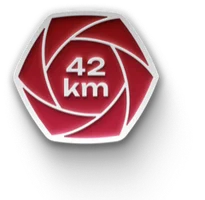
Personal record badges:
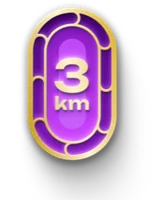
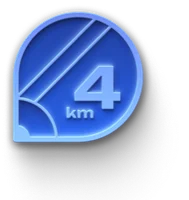
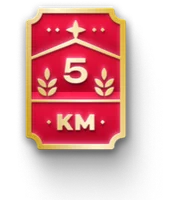
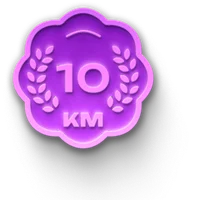

“What to cook?” and 41 new recipes
For players

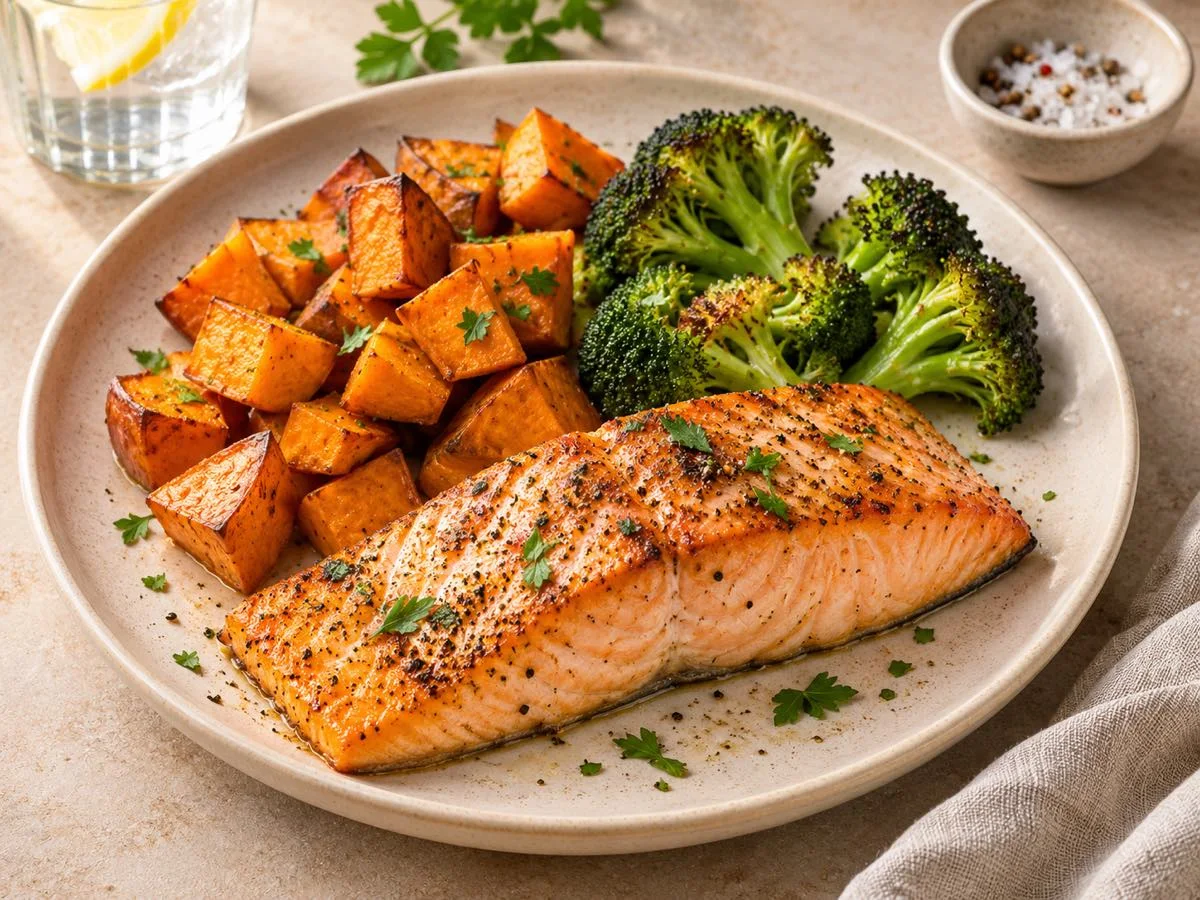
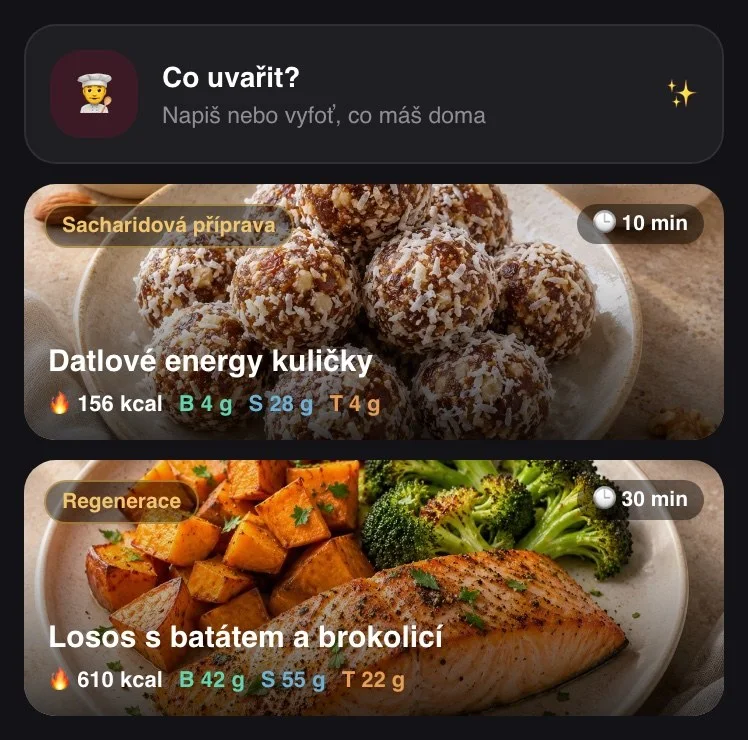
- What to cook? Type or photograph what you have in the fridge. Nex AI suggests a recipe suited to athletes, with calories and macros.
- 41 new recipes with photos, tags (e.g. carb loading, recovery, under 10 minutes) and preparation time.
- Plus meal photos in the diary and packaging photos for thousands of products in the food database.
Team feed
For the team
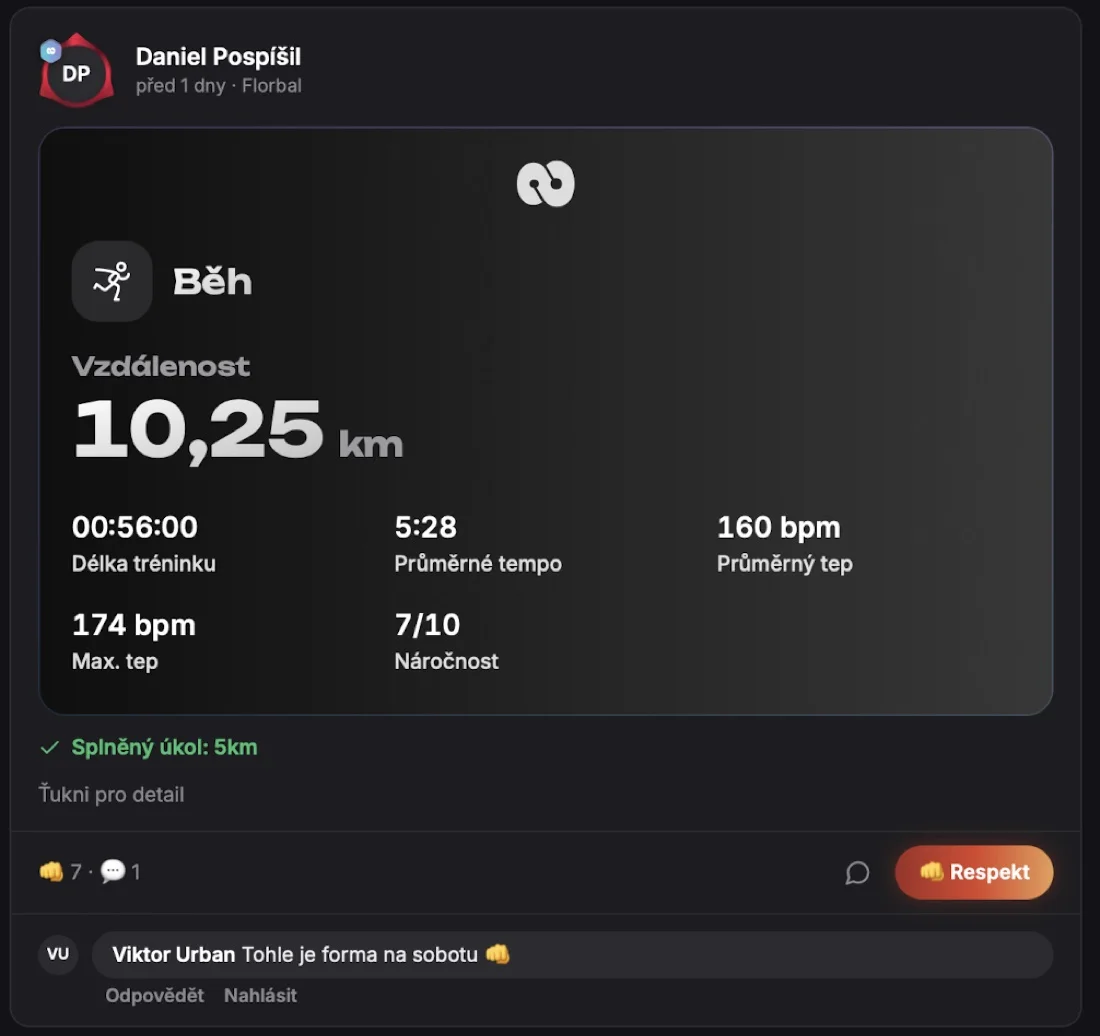
- Teammates' workouts in one place in the new shared card design: sport, distance, duration, pace, heart rate and effort.
- Respects, comments and now replies to a specific comment too.
- Tasks from the coach tick themselves off in the feed when the player completes them.
- Sharing to the feed can be turned off for every workout. Health data never reaches the feed and the route is shown only as a shape, without exact location.
- Inappropriate content can be reported and an admin reviews it.
Breathing exercises
For players
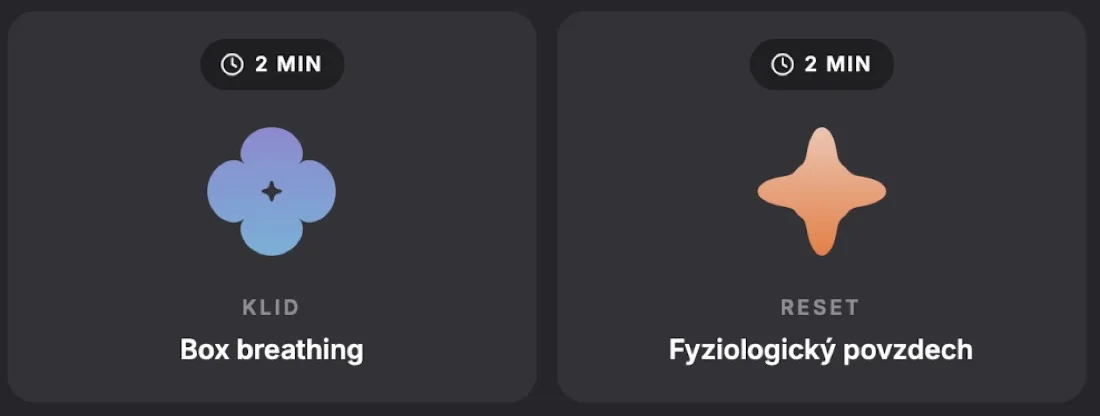
A new section of short guided exercises. Each takes 1 to 3 minutes and is led by an animated shape that breathes in and out with you:
- Box breathing: to calm down before a game
- Physiological sigh: a quick reset when you're stressed
- Focus drill, 1 minute: concentration before performing
- Grounding 5-4-3-2-1: back to the present moment
- Locker room reset, breath and affirmation: during a break or after a game
- 4-7-8 breathing for sleep: for falling asleep more easily
Clips from analysis and recording analysis with sound
For coaches
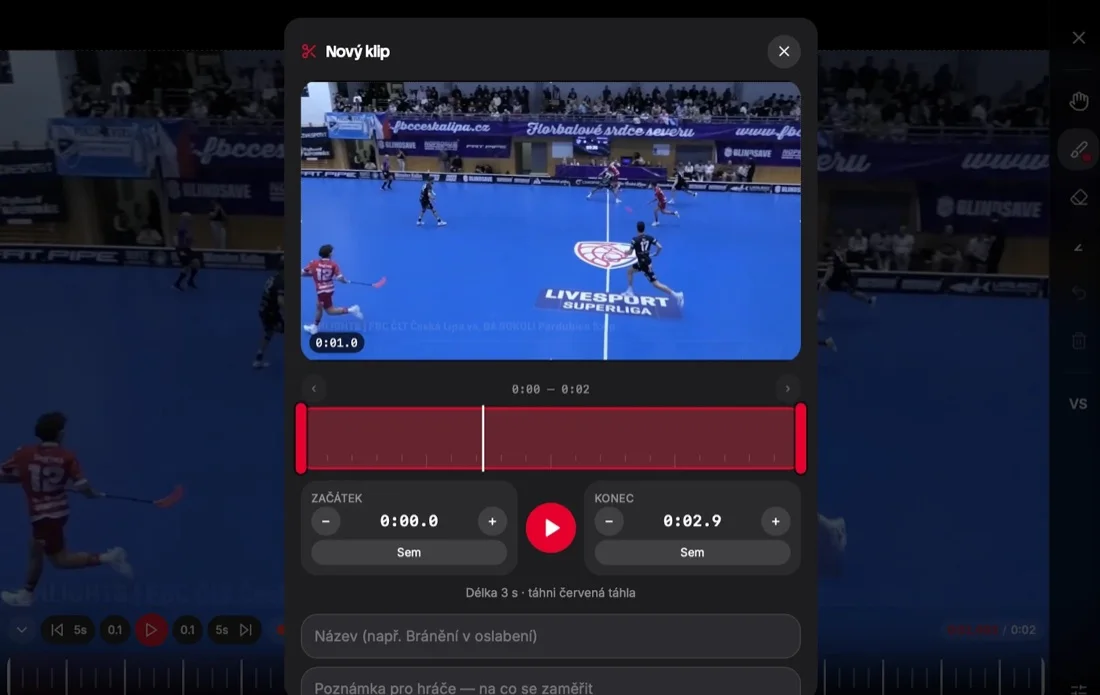

Creating a clip:
- Open the match video in analysis and tap the scissors (New clip).
- Set the start and end of the clip by dragging the red handles on the timeline. Fine-tune them with the + and − buttons or the Here button, which uses the current position in the video.
- Add a title (e.g. “Penalty kill defending”) and a note for players on what to focus on.
- Send the clip to one player, a line or the whole team. It arrives in chat as a card with a preview.
Recording analysis: you can record your analysis as a video, with your voice and drawing over the picture (lines, circles, arrows). Players then see exactly what you would explain to them at the video in person. End the recording with the Stop button. The finished video is saved to the team files and can be sent to chat.
New match statistics
For coaches and players
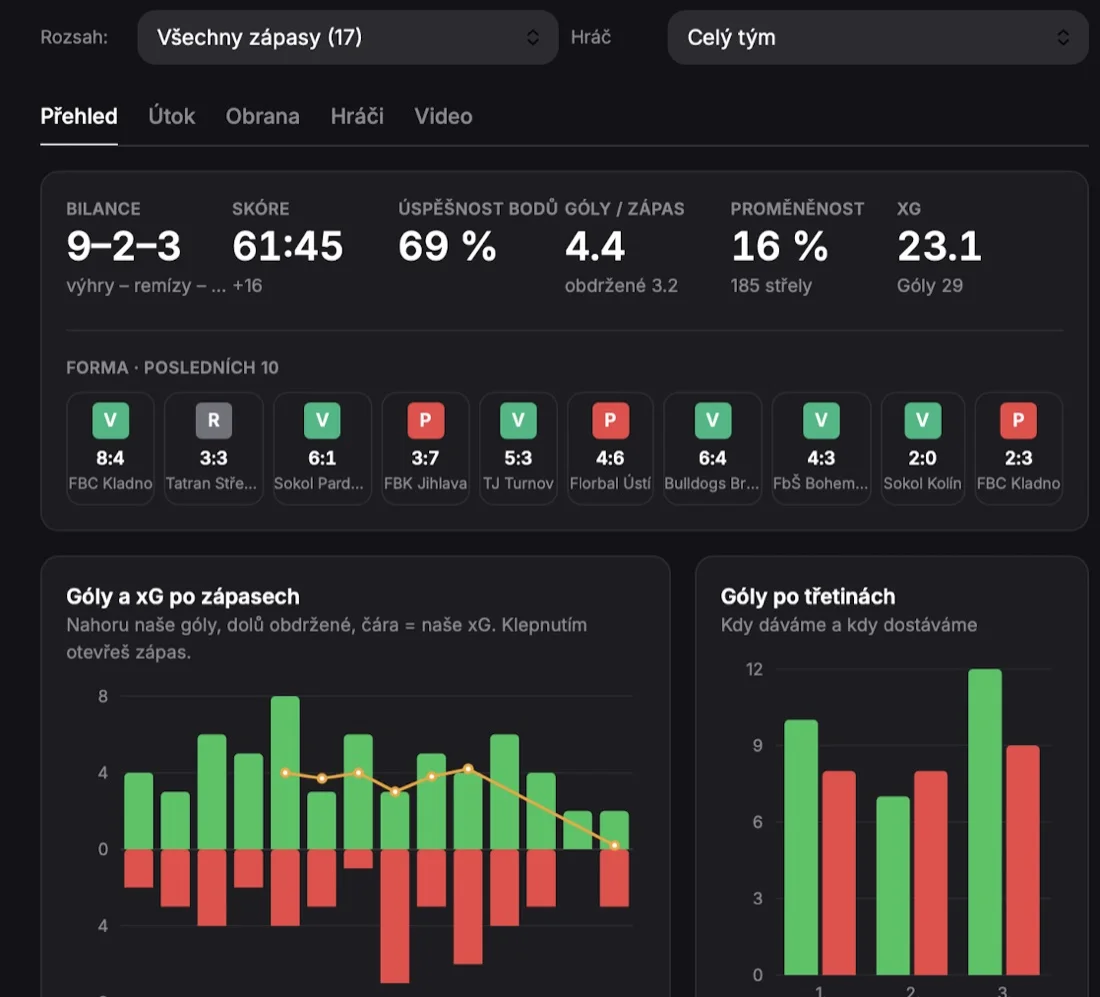
- Overview: wins, draws and losses, score, points percentage, goals per game, shot conversion and xG (expected goals).
- Form: results of the last 10 games in one row.
- Charts: goals and xG game by game (tap to open a game) and goals by period, which show at a glance when the team scores and when it concedes.
- Tabs Attack, Defence, Players and Video.
- Filters: all games or a chosen range, the whole team or a specific player.
Performance and training by Nex AI
For coaches
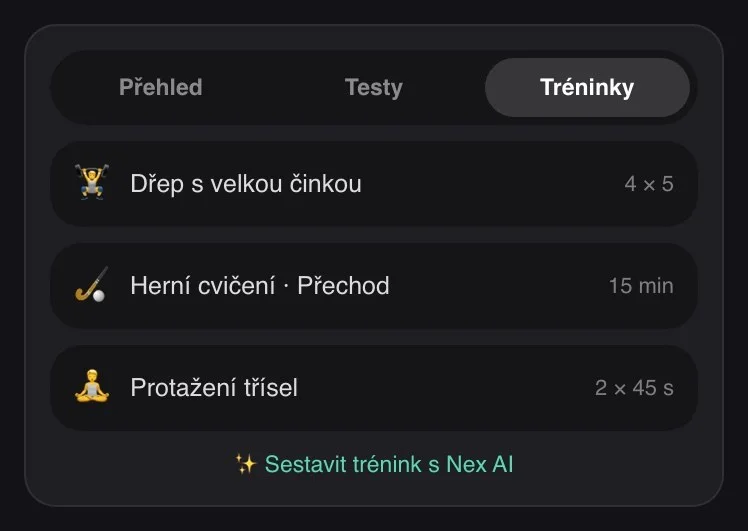
- Three tabs: Overview, Tests and Sessions.
- A library of 70 exercises with animations, ready for every team. You can upload your own video to exercises.
- Game drills from the tactics board can be added to a session with a description.
- Training by Nex AI: the coach picks what to train (focus, length, intensity…) and Nex AI builds a session from the team's own exercises and tags, including warm-up and cool-down. The coach then just fine-tunes it and sends it to the team.
Team files and video
For the team
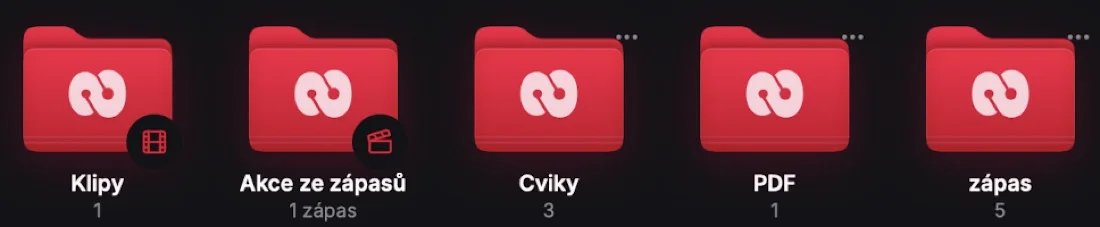
All team videos, photos and PDFs are in one place in folders (e.g. Clips, Game actions, Exercises, Matches). Files have previews and can be searched. Match video is linked to statistics, so you jump to a specific goal or action with one tap.
Questionnaires that send themselves
For coaches
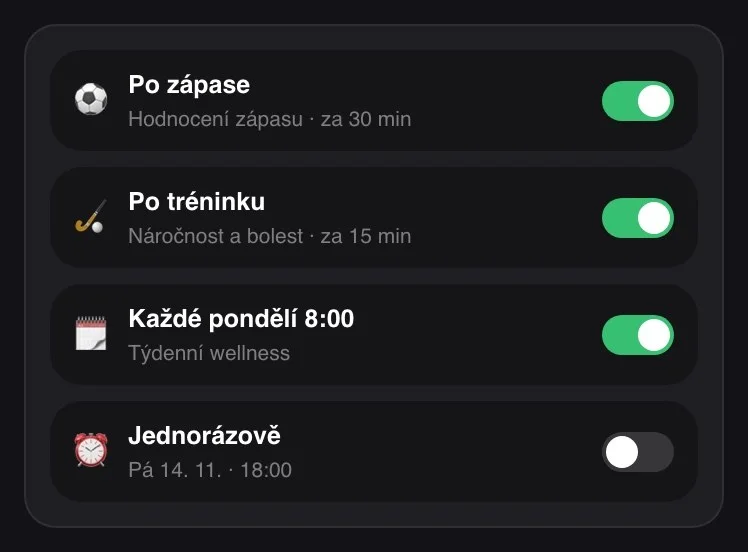
The coach sets up a questionnaire once and from then on it goes out automatically. The options are:
- After every practice, with a set delay after it ends
- After every game, with a set delay
- Every week on chosen days and at a chosen time, for example wellness every Monday morning
- One-off on a specific date and time
Automatic sending can be turned off, turned on or deleted at any time. The player gets a notification and fills in the questionnaire straight from chat or from a card in the app.
Meal plan with recipes
For players
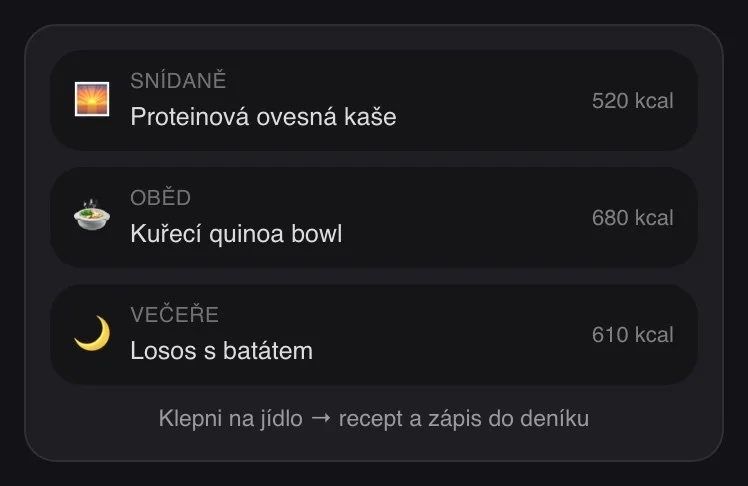
- You fill in a short questionnaire about goals, tastes and restrictions. Height, weight and other body data come from your profile, so you don't enter them again.
- Nex AI builds a meal plan for the week and fits it to the practices and games in your calendar.
- Tap a meal to see ingredients, preparation steps and macros, and log it to your diary with one tap.
- You can edit individual days, have them regenerated or download the meal plan as a PDF or an image.
The meal plan view is now clearer: every meal has its own row with an icon, name, calories and macros.
Watches and Apple Health
For players
Workouts from your watch appear on a card for approval when you open the app. With one tap you choose what it was and how hard it was. Duration, calories and heart rate are filled in from the watch automatically.
New: when you tick in your morning log that you have a game ahead, the watch activity is offered straight away as a game and saved that way. You no longer have to change it by hand.
Nominations and line-ups
For the team
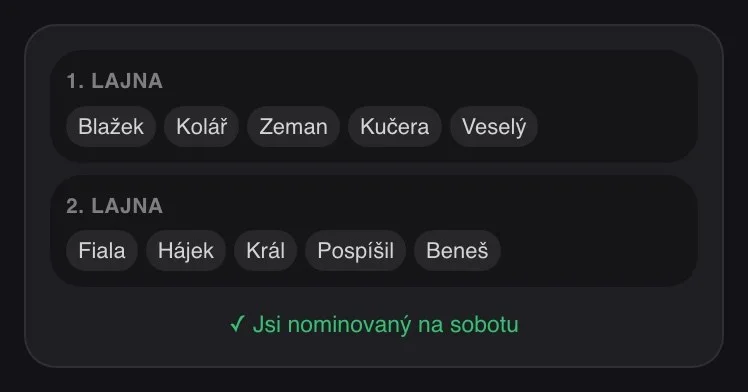
The coach nominates players with a tap, sets the lines and adds a note. The player knows right away whether they play or are a substitute, and gets a notification. Game reminders are sent by the server on time, even when the player doesn't have the app open.
Training by plan and tasks from the coach
For players and coaches
- Guided session: you go through a strength session from a training unit exercise by exercise. The app suggests weights based on your maxes.
- Tasks with a goal: the coach assigns you an individual workout with a goal, such as “5 km”. Once you've run it, the task ticks itself off and “Task completed” shows in the feed.
Nex AI knows more
For players and coaches
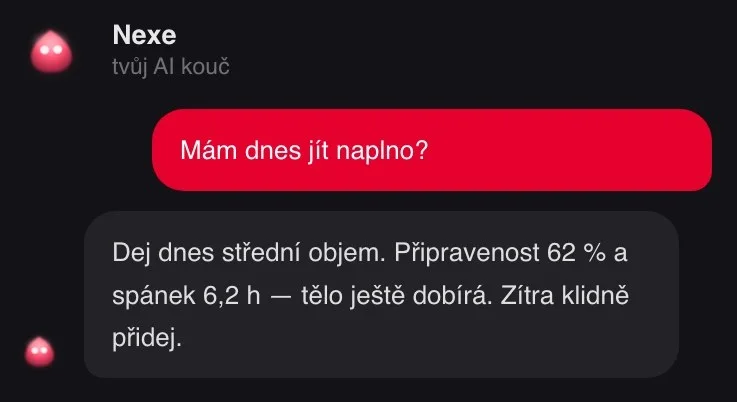
Nex now also knows the team's sessions and exercises, tactics boards, nominations and your meal plan. You can ask about training, recovery, nutrition and what's ahead this week. Nex answers in Czech, Slovak and English according to the app language.
Team overview and creating a team
For coaches
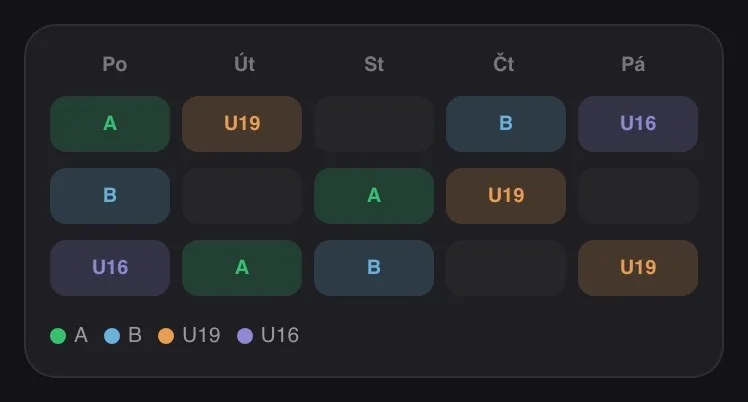
The new team header shows the team's readiness and load. Players and monitoring are in one tab, the team calendar has a new look and you create a new team with a step-by-step guide.
Streaks that don't break after midnight
For players
Many players fill in the evening log just before bed, and that is often after midnight. Now a log filled in by 3:00 a.m. still counts towards the previous day, so you don't lose your streak for going to bed late. You can also share your streak as a transparent sticker to an Instagram story.
New look
For everyone
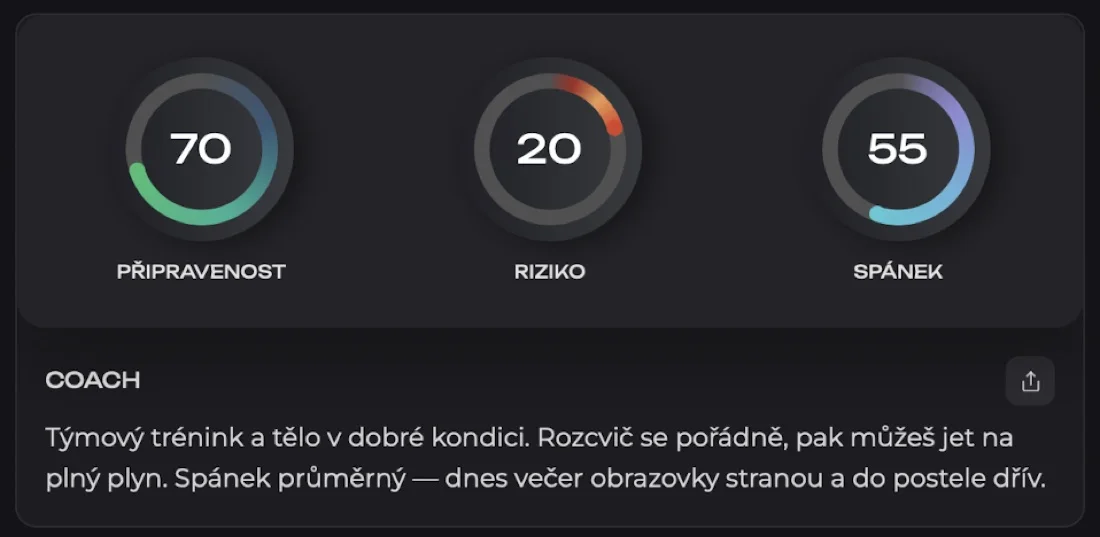
- New dashboard with the Coach card: three rings (readiness, risk and sleep) and below them a short recommendation for today.
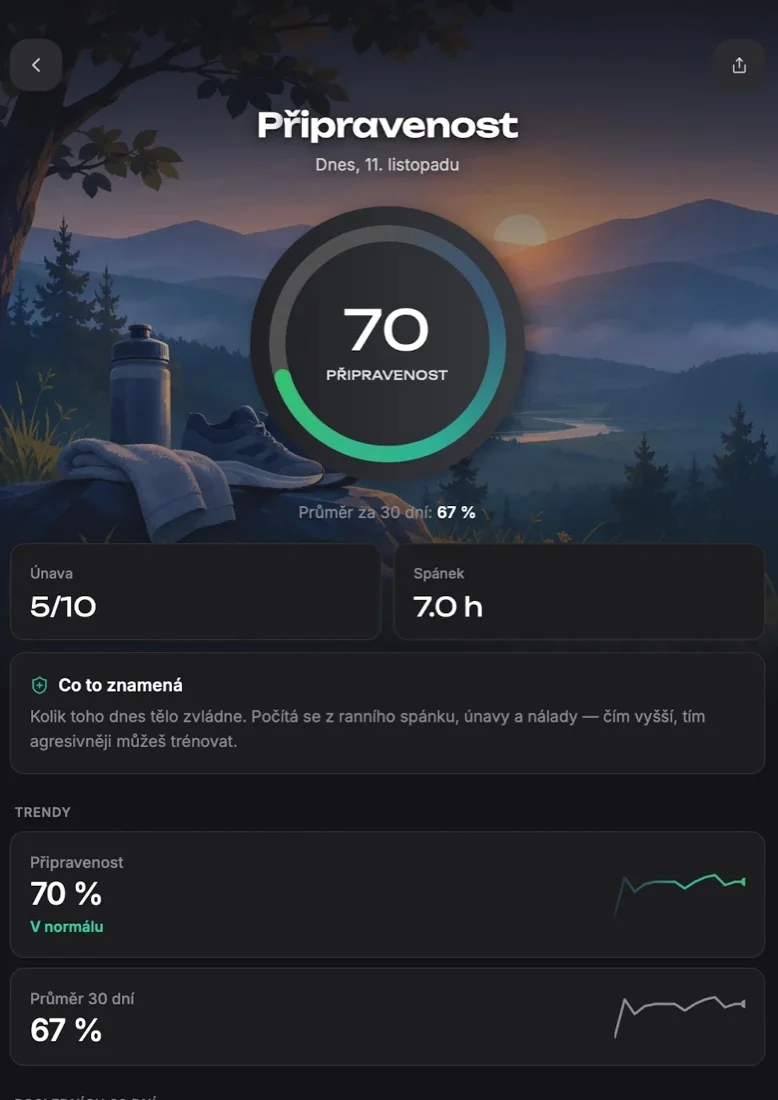
- Metric details with illustrations, trends and a 30-day average.
- A new look for Nex AI, an opening animation and one card design across the whole app.
Faster and more reliable
- The app starts noticeably faster and downloads two thirds less data at launch.
- Morning and evening log reminders don't arrive when the log is already filled in.
- Fixed pace while running and while standing still.
- Downloading and sharing files works on the phone.
- Videos play on iPhone, iPad and Mac.
- Better security for sign-in and data.
- Windows can be closed with the ✕ button.
- A streak doesn't break when you fill in the evening log after midnight (by 3:00 a.m.).
- A watch workout is saved as a game when you have a game ticked in your morning log.
How to update
You can open the web version right now at my.next8performance.cz. The app update is on the App Store (iPhone, iPad, Mac with Apple silicon) and on Google Play (Android). After the first launch the app shows you an overview of what's new. You can come back to it any time via Profile → What's new.
Have an idea what to add next? In the Ideas section of the app you can suggest improvements and vote on what we build first.
You might be interested


Try NEXT8 for free
Morning readiness, injury risk and a training diary in one app. iOS and Android, 7 days free.